Brand Guidelines
Version 1.0 — July 2026
NeverRest.Ai builds custom AI agents for businesses — agents that work around the clock, remember everything, and deliver finished work. The brand is dark, cinematic, and precise: near-black backgrounds, cream typography, and a single electric cyan accent that signals intelligence in motion.
Every brand decision in this guide flows from three words: relentless, precise, alive. The dark field is the machine at rest; the cyan is the spark that never goes out.
Agents that never stop working. The brand never looks tired: high contrast, sharp edges, no soft pastels.
Geometric letterforms, measured spacing, one accent color used sparingly and deliberately.
The cyan dot is the heartbeat of the mark — a signal light that says the system is on.
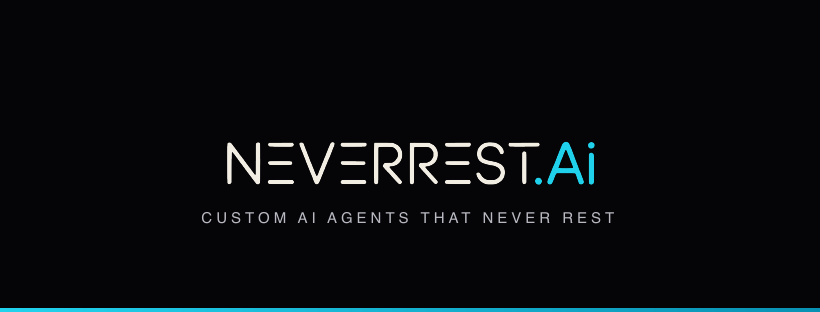
The primary mark is the striped wordmark: NeverRest in cream with capital N and capital R, followed by a cyan dot and cyan Ai. It exists as a vector master (SVG) and scales from favicon to billboard.
Clear space: keep a margin of at least the height of the letter N on all sides. Minimum width: 120 px digital / 35 mm print. Never recolor, stretch, outline, add effects, or re-set the name in another font.
When space is too small for the full wordmark, use the N mark: the striped capital N with the cyan signal dot. Shipped at all standard app and favicon sizes.
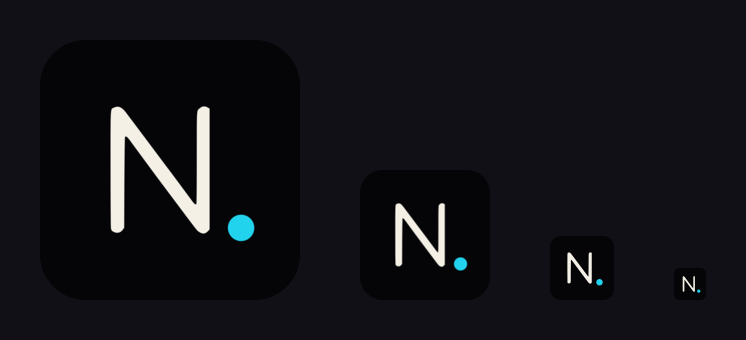
Files: icons/appicon-{16→1024}.png plus favicon.ico. Source vector: master/neverrest-appicon.svg.
Pulled directly from the wordmark and the neverrest.ai site. Dark-first: Void is the default canvas; Signal Cyan is an accent, never a background for body text.
Ratio rule: roughly 70% Void, 20% Cream/White, 10% cyan family. If a layout feels loud, remove cyan — never add more.
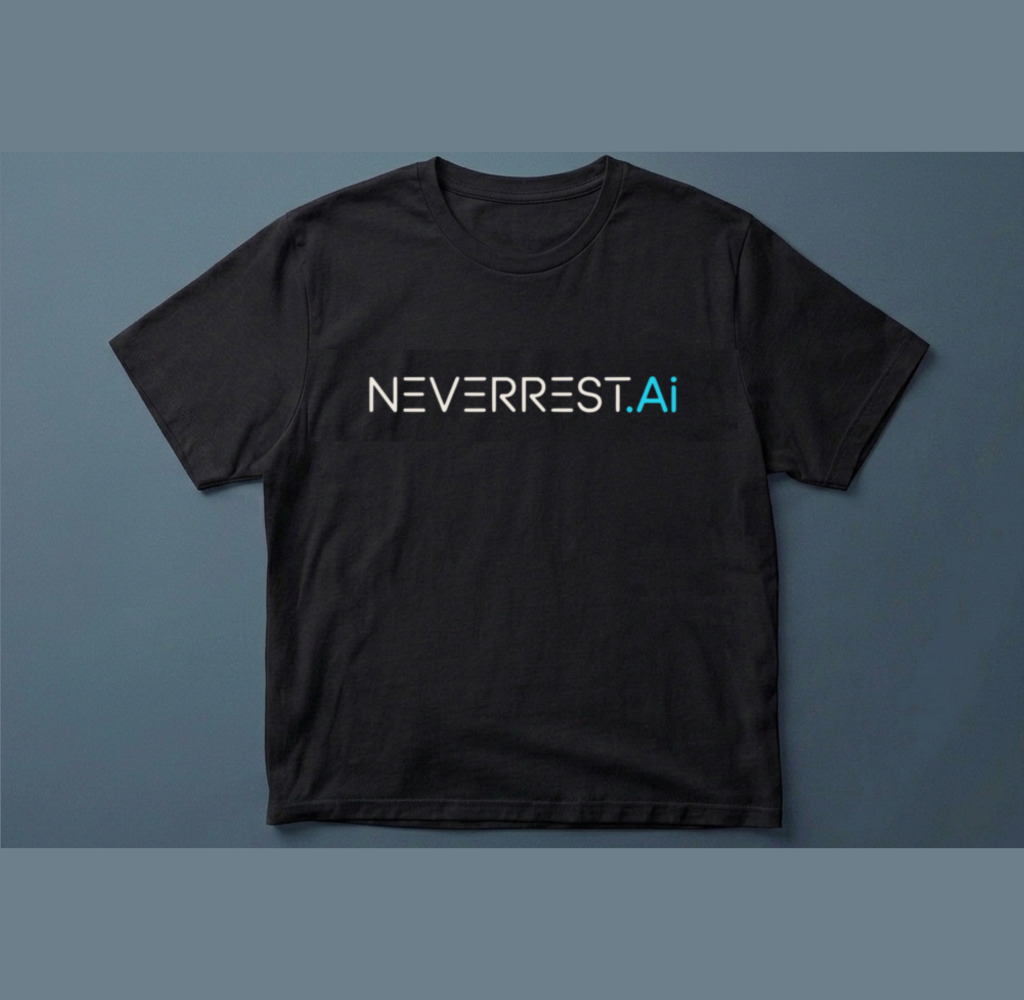
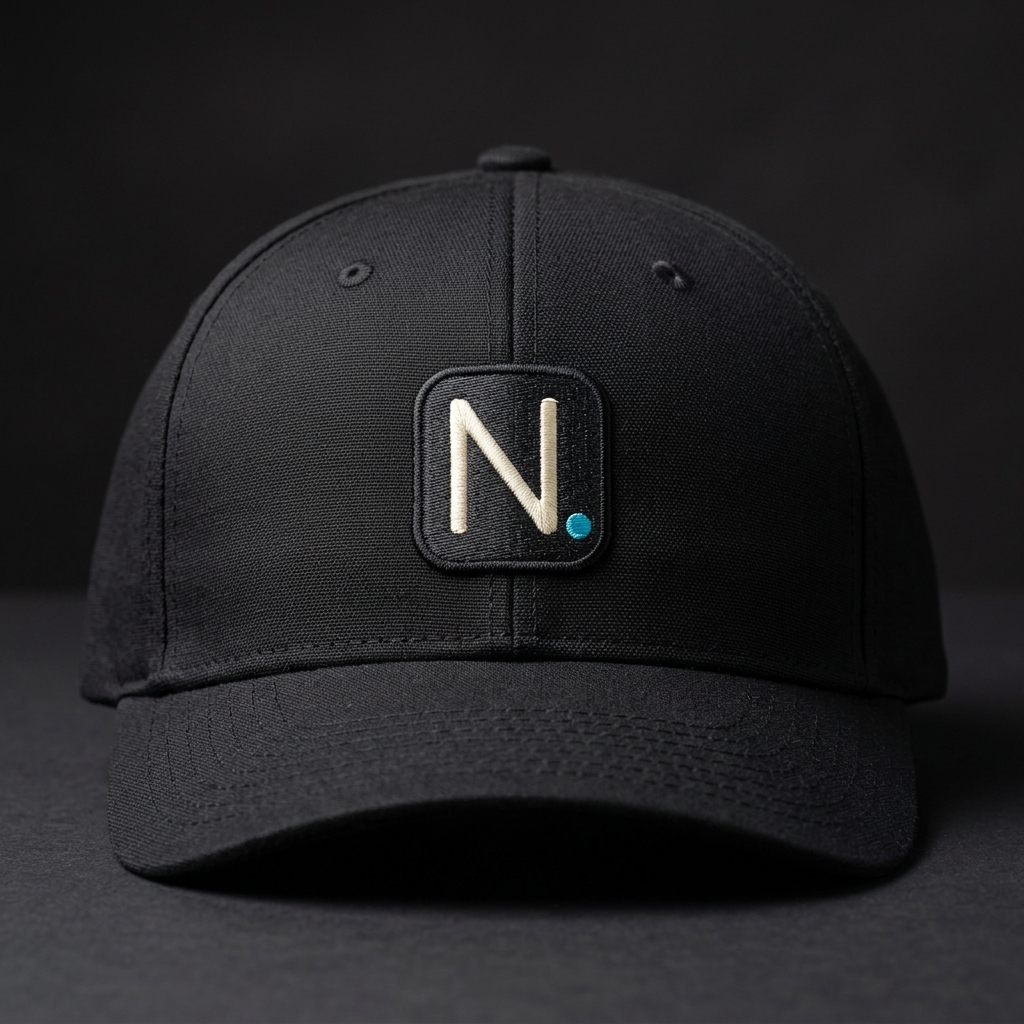
Black garments carry the full cream + cyan wordmark. Headwear and small embroidery use the N mark only — the striped wordmark does not embroider cleanly below 10 cm.
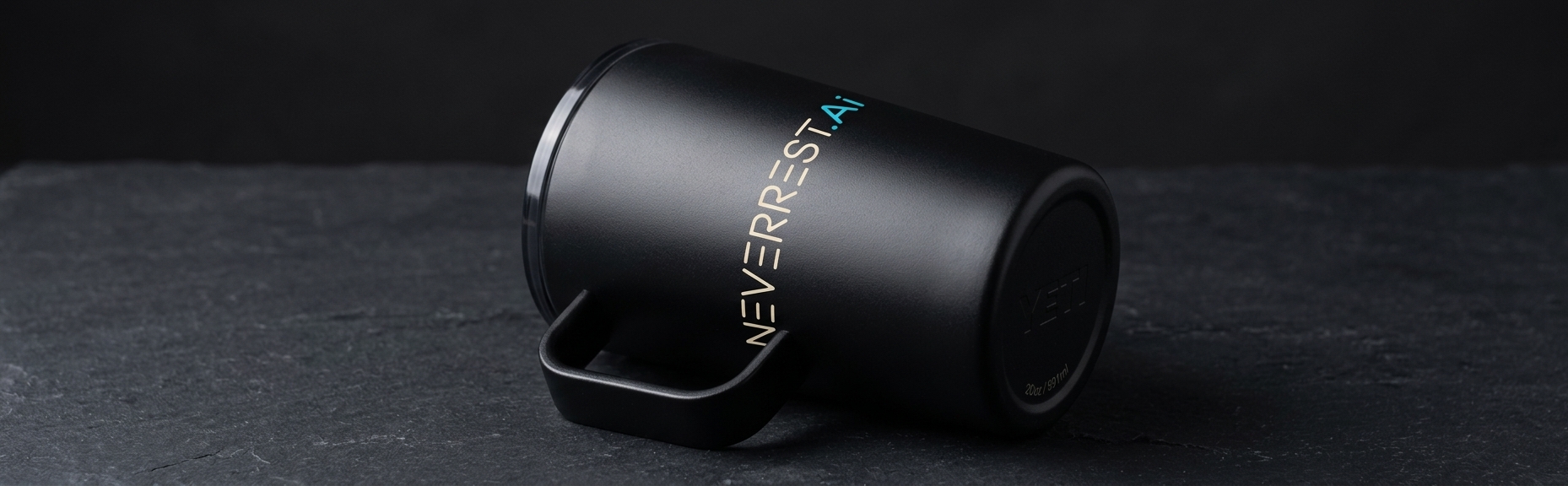
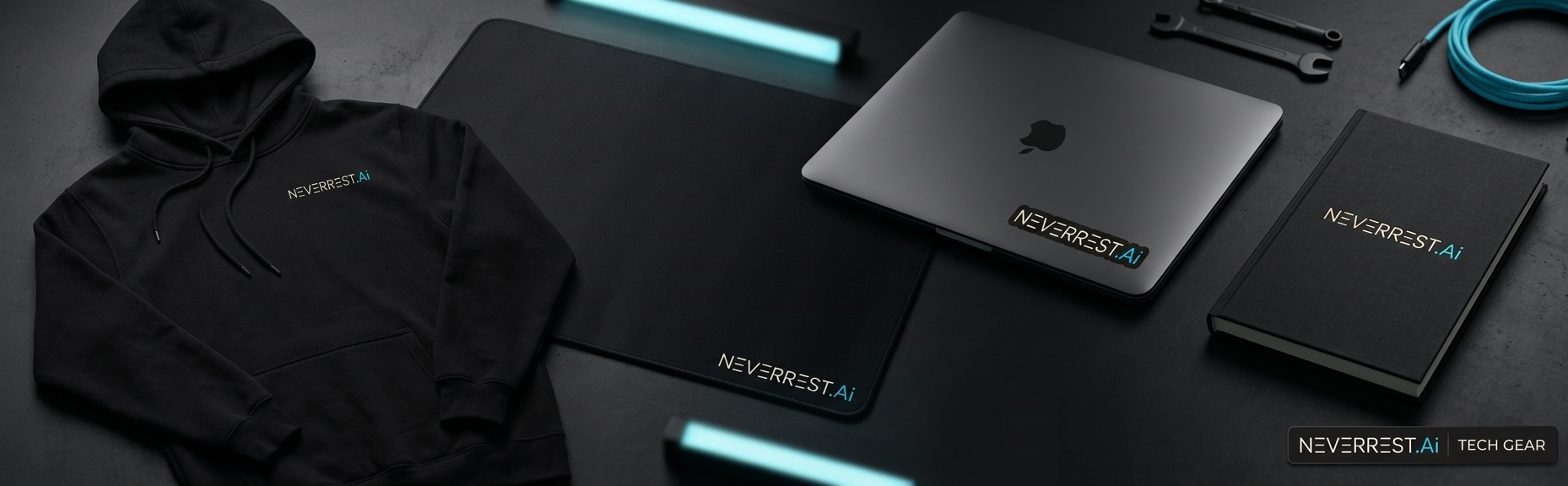
Matte black surfaces only. One logo per item. Vertical lockup is approved for tumblers; everywhere else the wordmark stays horizontal.
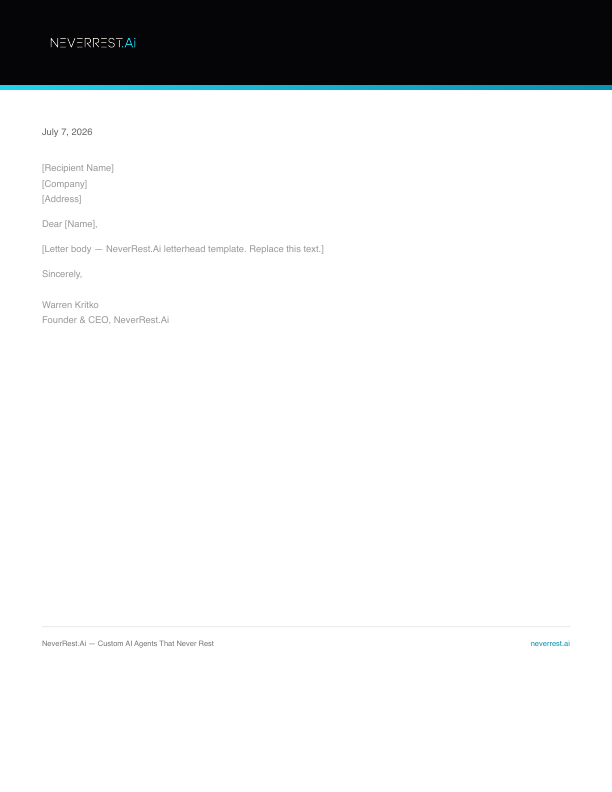
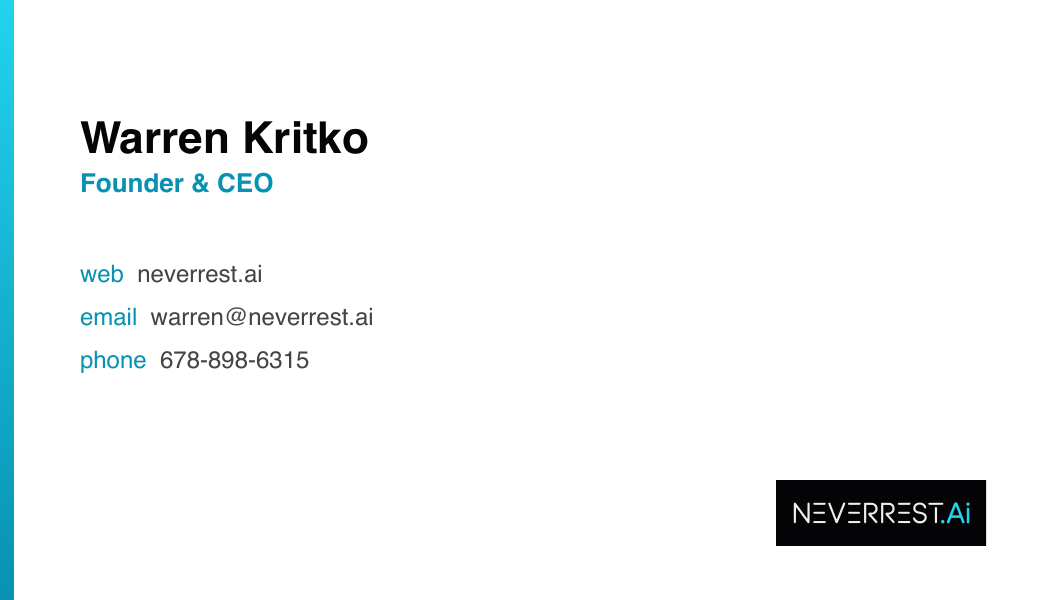
Editable HTML sources in stationery/ — re-render to PDF with weasyprint after filling in name and phone.
A single-table HTML signature that survives Gmail, Apple Mail, and Outlook. Logo left, cyan divider, name and role right.
|
|
Warren [Last Name]
Founder & CEO, NeverRest.Ai
neverrest.ai • Custom AI Agents That Never Rest
|
Copy-paste source: stationery/email-signature.html. Host the logo at neverrest.ai/logo-email.png before rollout so the image renders for recipients.
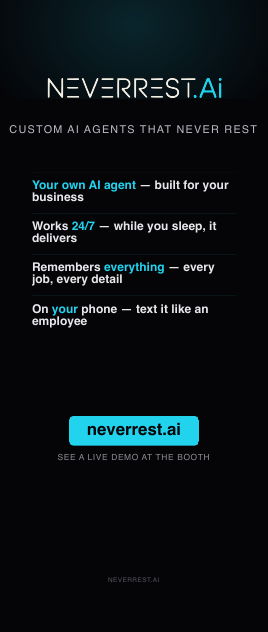
Print-ready PDFs at true size: roll-up 33.5×79 in, back-wall 96×89 in, horizontal banner 72×24 in — in signage/. Editable HTML sources included.
Three 1920×1080 backdrops in backdrops/. Centers stay clean so the speaker's head never fights the logo. Upload directly in Meet: Settings → Apply visual effects.


Teal radial glow, logo top-right. Default for customer calls.
Pure Void with cyan baseline, logo bottom-left. Investor / formal.
Ghost wordmark right side, logo top-left. Webinars and demos.


All files in social/ at exact platform sizes. Use the N mark for profiles (wordmark is illegible at avatar size); full wordmark belongs in headers only.
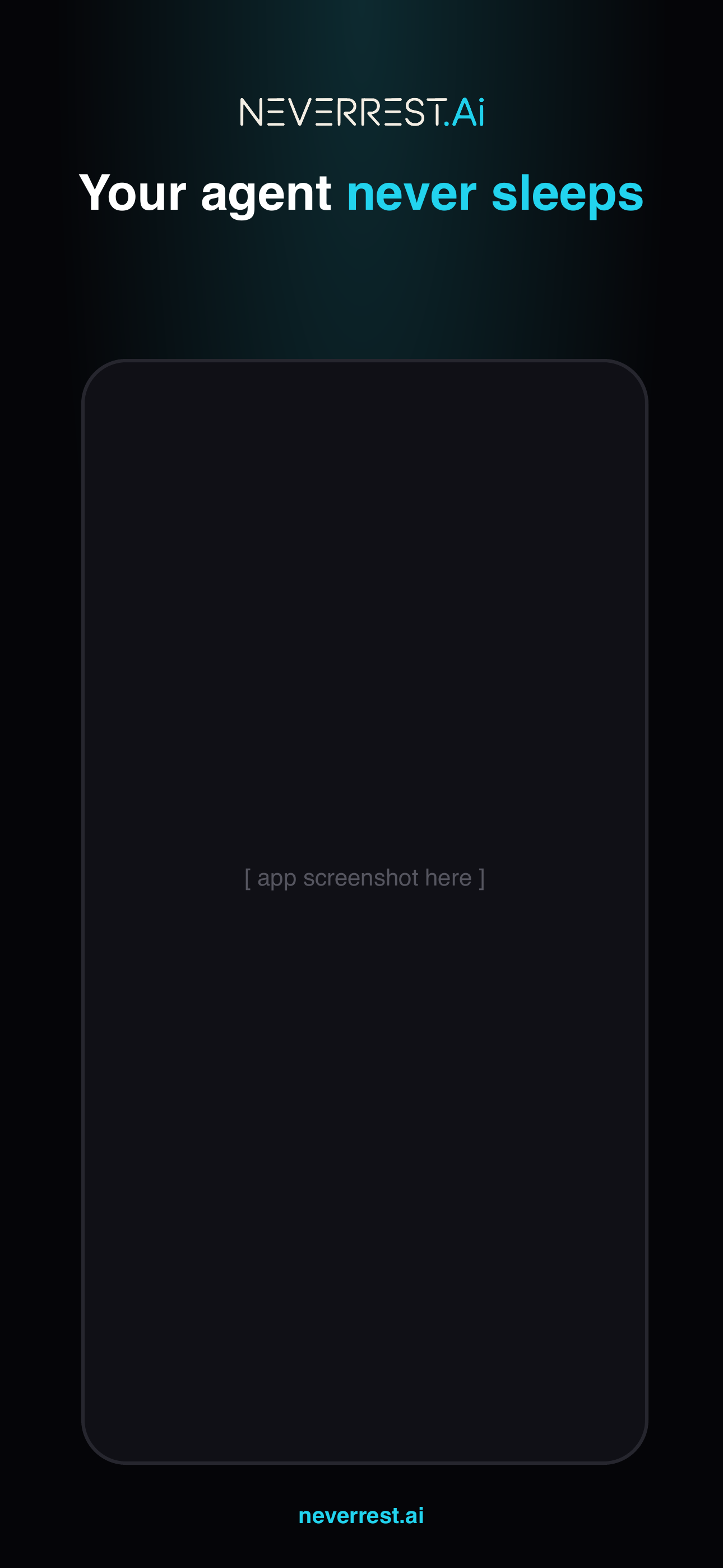
App name: NeverRest. Subtitle: "AI agents that never rest."
Dark template, one cyan-highlighted benefit headline per frame, real app screen in the device slot.
Never add rounded corners or shadows to the App Store icon file — Apple's mask handles it.
Write the name as NeverRest.Ai — capital N, capital R, dot, capital A, lowercase i. In running text where styling is impossible, "NeverRest" alone is acceptable.
Neverrest, NEVERREST.ai, Never Rest, NeverRest.AI, neverrest.Ai. One name, one casing, everywhere — site, decks, invoices, merch.
Use supplied files: SVG masters for print and cut vinyl, 2400 px PNGs for screens, icon set for apps. Dark version by default.
Recolor the mark, place it on busy photos without a dark scrim, add drop shadows or glows, stretch it, or re-type it in another font.
Keep cyan scarce. The dot and "Ai" carry the accent; body copy stays cream or white on Void.
Set paragraphs in cyan, use cyan backgrounds behind text, or introduce new accent colors without updating this guide.